1. Open Rosters. From the start screen, click Rosters. A green Device connected badge shows at the top right when your wand is plugged in.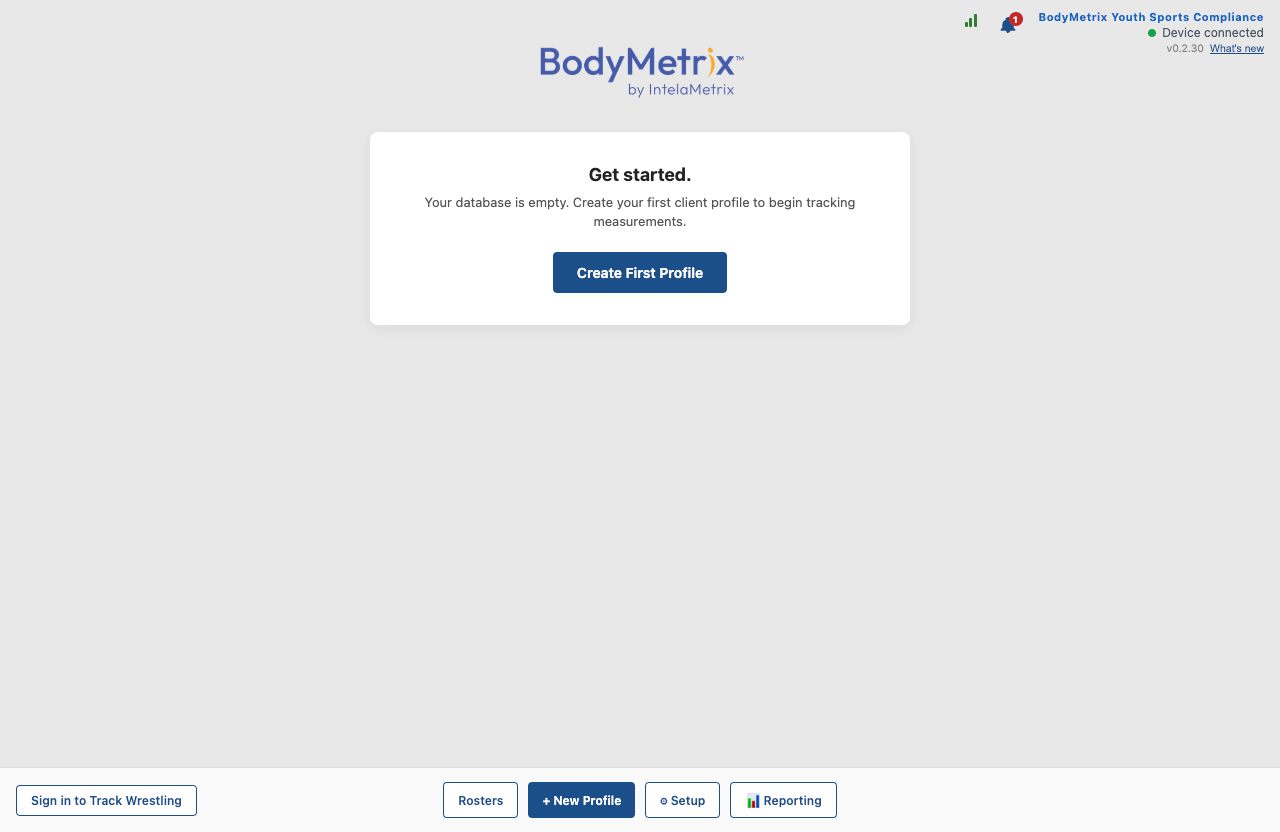
2. Click Connect Track Wrestling in the top right of the Rosters page. Track Wrestling is FloSports' roster system, where your program's wrestlers and certifications live.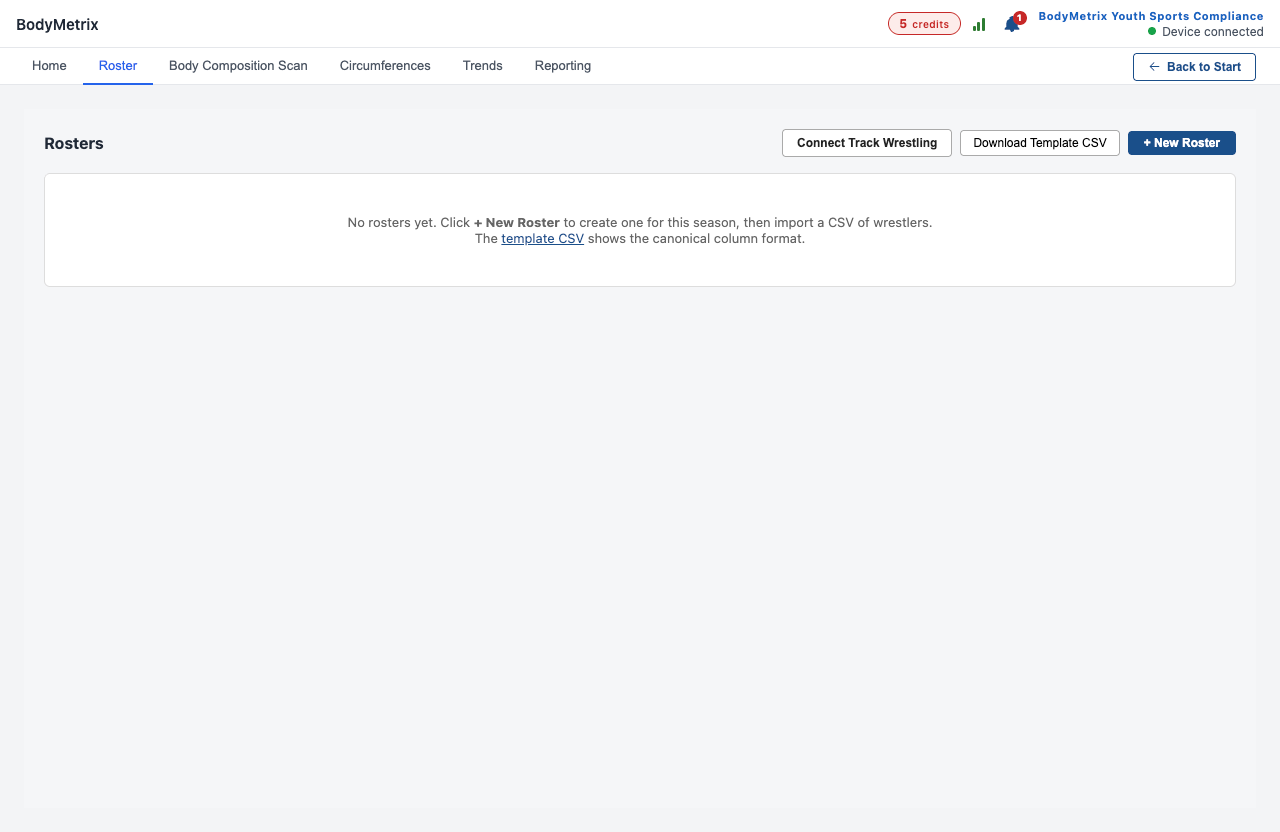
3. Sign in through your web browser. Your browser opens the Track Wrestling sign-in page. Sign in with your Track Wrestling username and password. BodyMetrix continues automatically when you finish, and it never sees your password.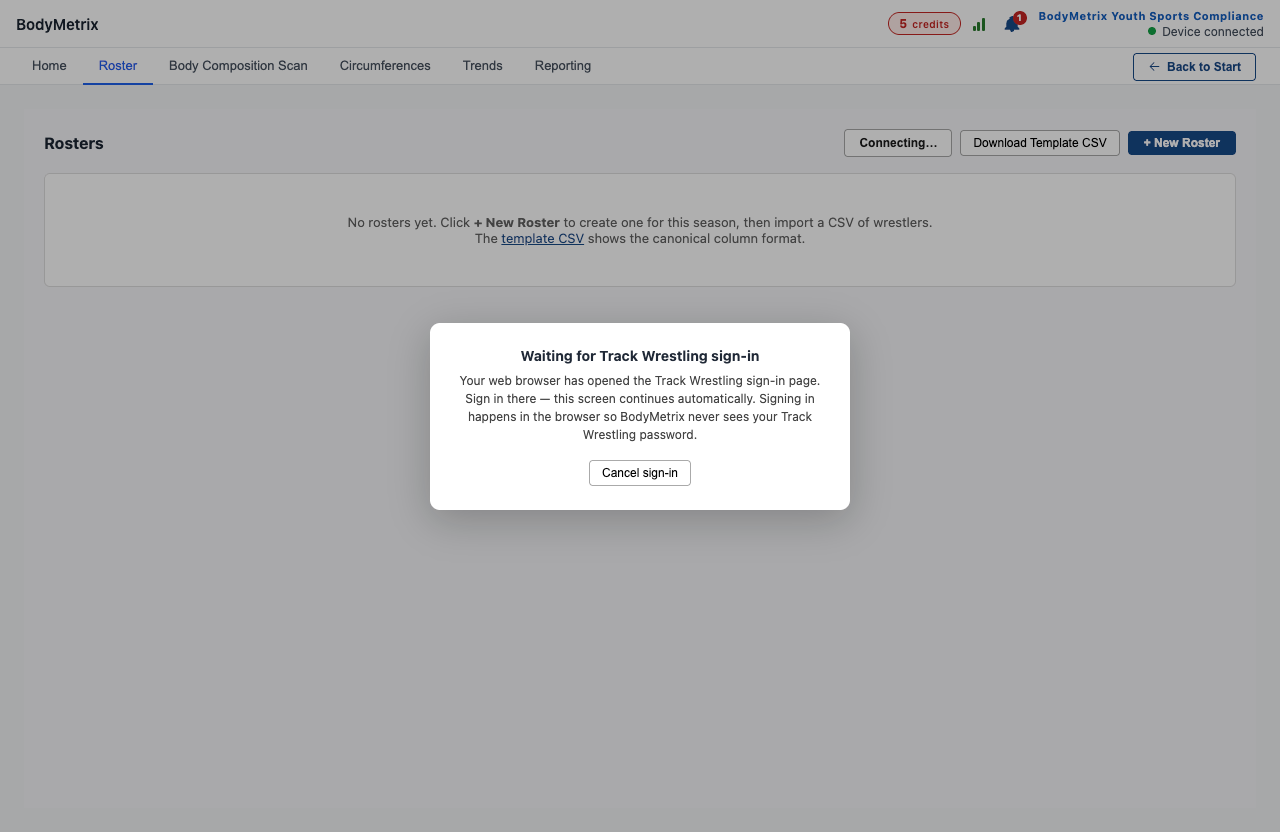
4. Link the account to you. On your first sign-in, click Yes, that's me if this Track Wrestling account is yours. If you're using a colleague's station, choose No, I'm someone else and create your own user. Each user links to exactly one Track Wrestling account, so every submission is attributed to the person who performed it.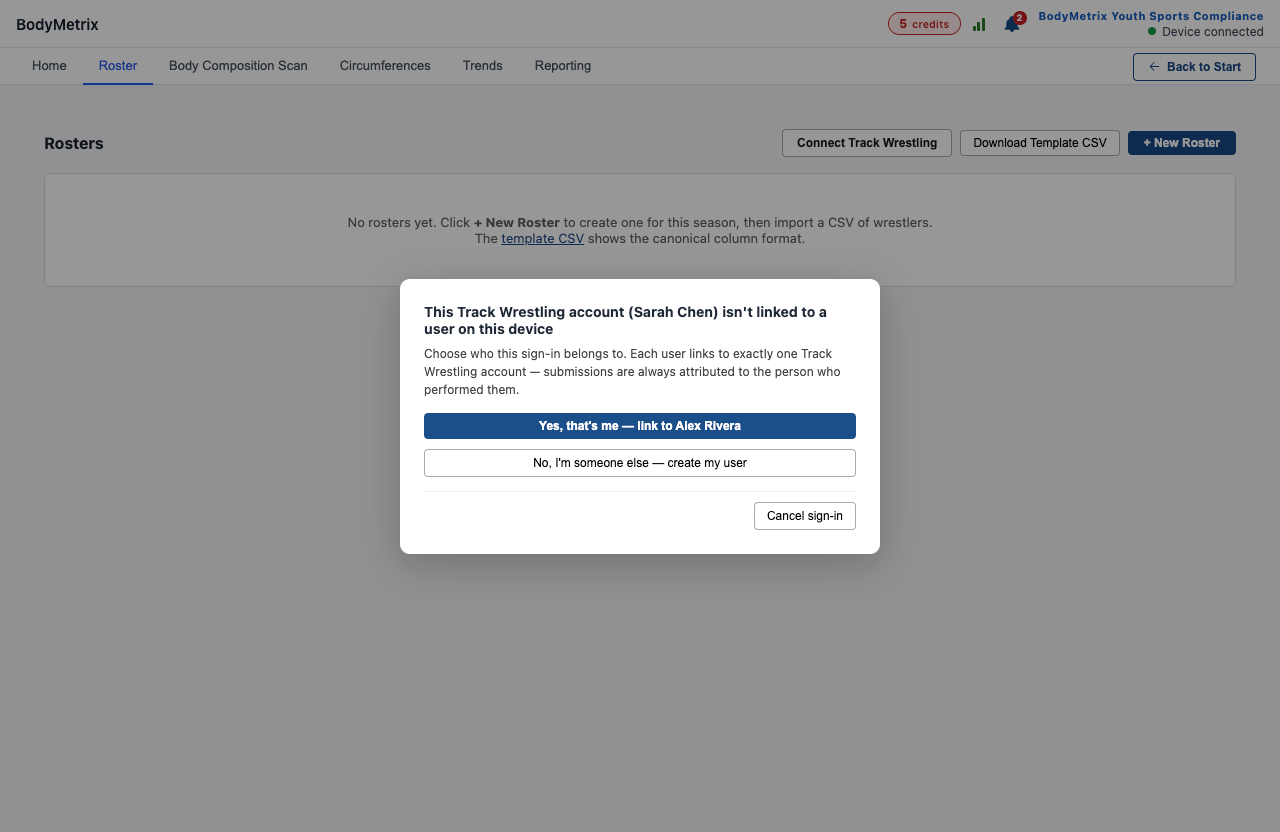
5. Pick your team. Check your team (or several) and click Add selected. Names, gender, and grade import from Track Wrestling.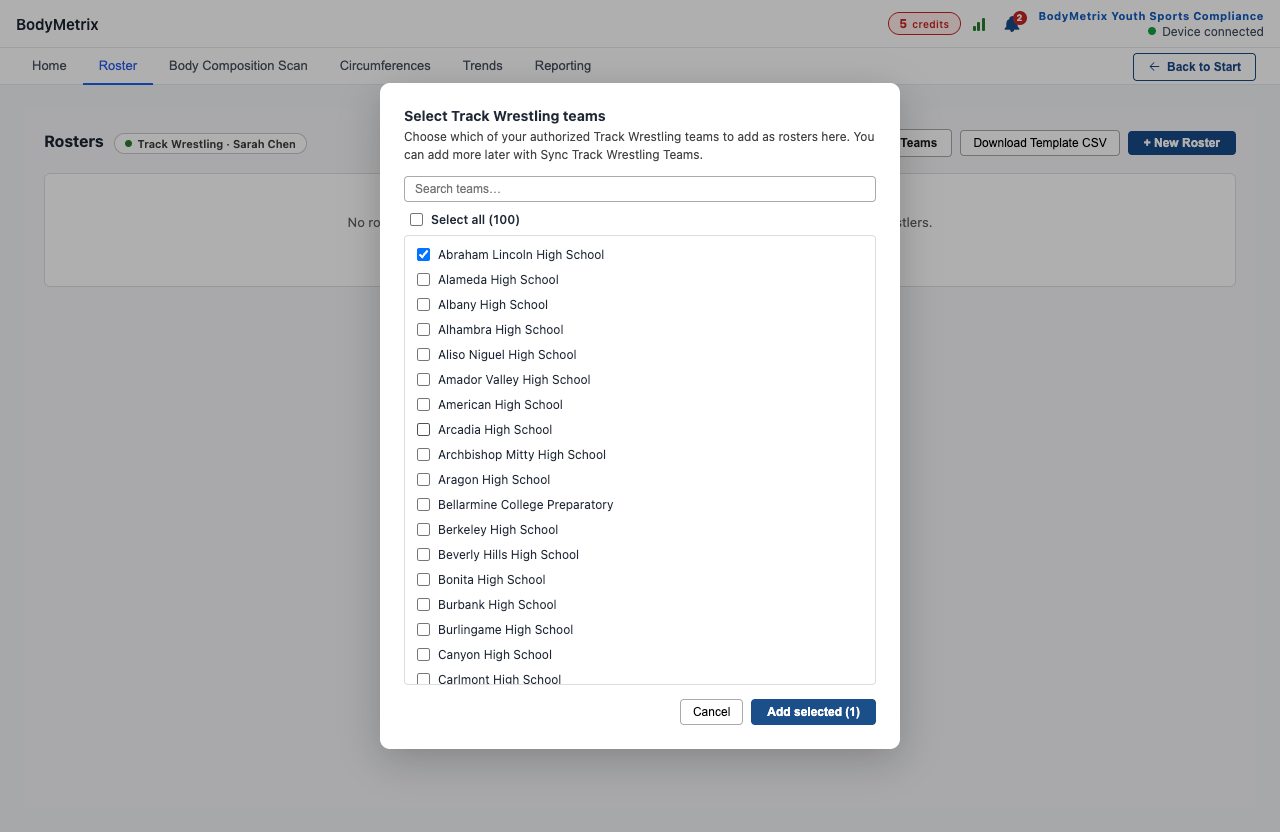
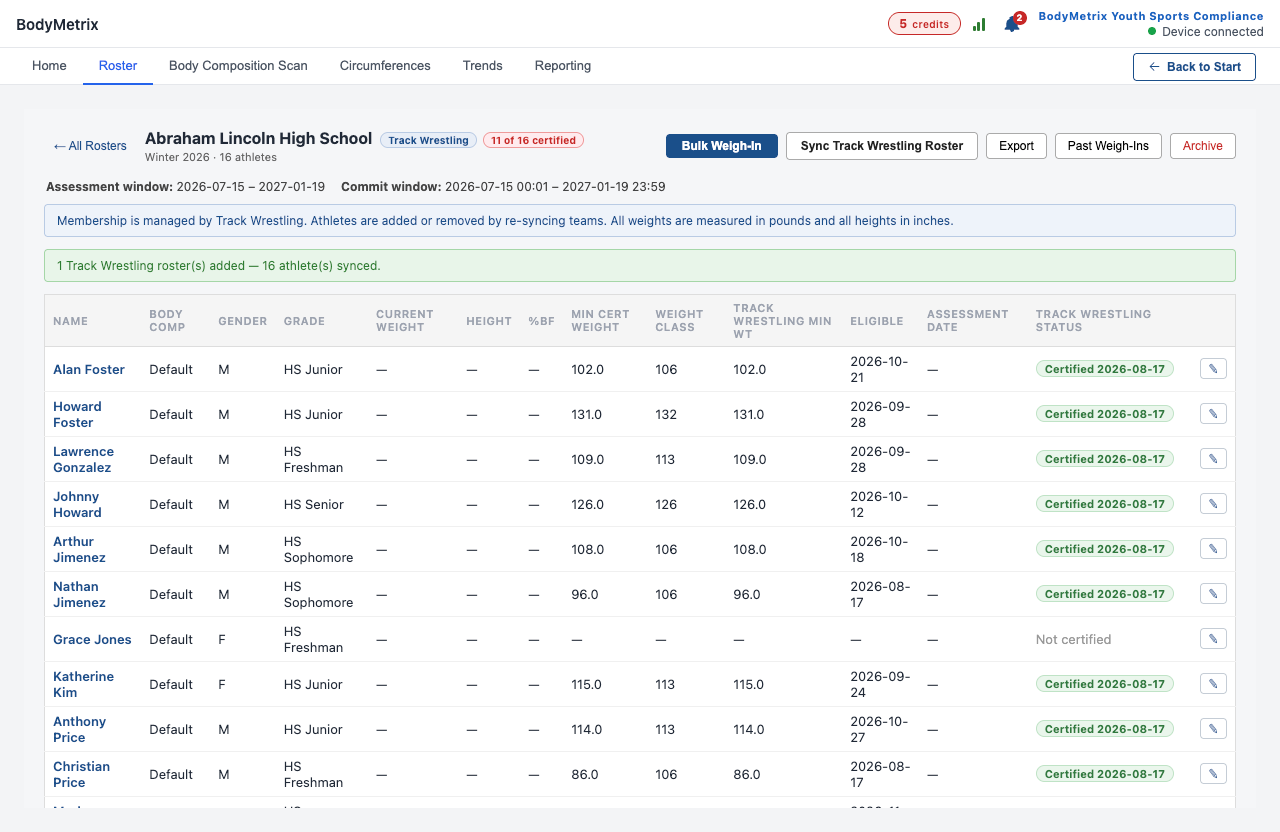
6. Your roster is ready. Open the roster to see your assessment and commit windows and your certification progress. Roster membership is managed by Track Wrestling. If your lineup changes, click Sync Track Wrestling Roster. Athletes can't be edited by hand in BodyMetrix.